Panel applet
A popup from the COSMIC panel, one click away from whatever you are doing. The now-playing bar, controls and visualizer stay in reach.
cosmic-applet-mare
 Maré Player
Unofficial TIDAL player for COSMIC™
Maré Player streams TIDAL in lossless and Hi-Res, plays music videos, and lives right in your COSMIC panel — or in a window of its own.
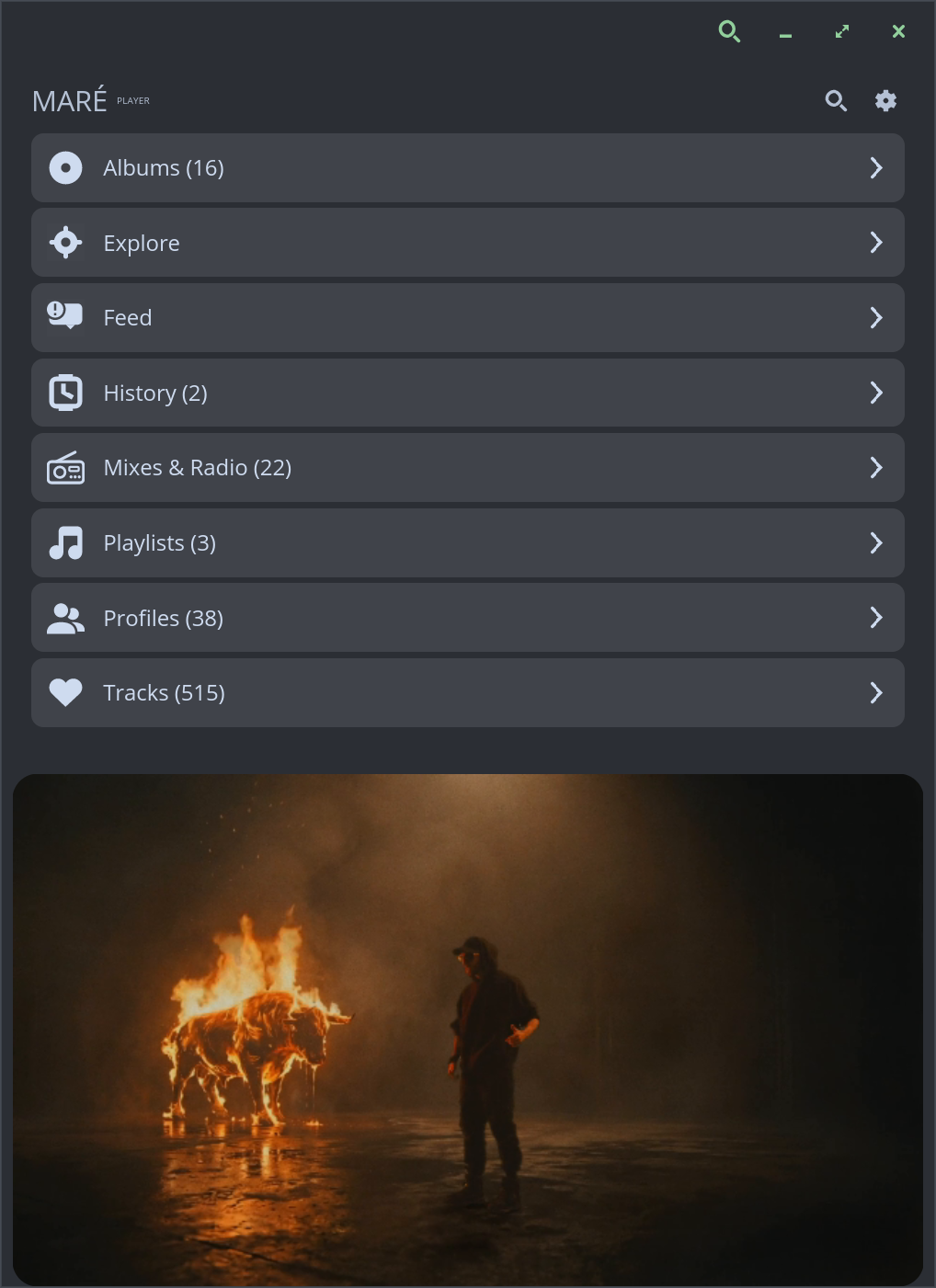
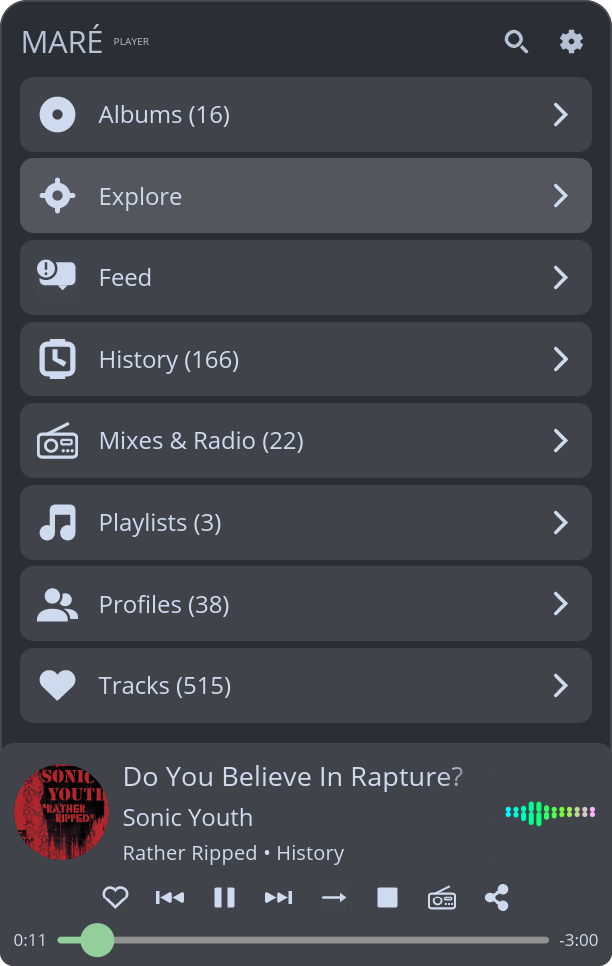
The same player, built either way. Pick the one that suits how you work.
A popup from the COSMIC panel, one click away from whatever you are doing. The now-playing bar, controls and visualizer stay in reach.
cosmic-applet-mare
A regular application window with room to browse, read lyrics and watch music videos, on COSMIC or any desktop libcosmic runs on.
mare-player
Your TIDAL library, discovery and playback, native to the desktop.
FLAC up to 24-bit/192 kHz, played through GStreamer to PipeWire or PulseAudio. Choose Low, High, Lossless or Hi-Res.
Stream TIDAL's music videos in a theater view with the same controls as the audio bar, inline or in their own window.
The next track is decoded ahead of time for seamless transitions, and replay gain keeps loudness consistent.
A real-time stereo FFT display in the now-playing bar, for tracks and music videos alike.
Time-synced lyrics that follow the current line, with plain lyrics as a fallback, plus full track credits.
Explore TIDAL's curated pages, your mixes, track radio, new releases from artists you follow, and recommendations.
Playlists, albums, artists, favourites and history, with search across TIDAL's catalogue by tracks, artists, albums, playlists and videos.
Control playback from desktop media keys, playerctl, KDE Connect or any other MPRIS client.
Artwork and library data are cached locally, so your collection appears immediately and refreshes in the background.
Fedora packages with updates, downloads for other distributions, or build it from source.
Fedora 44 and 45, x86_64 and aarch64. Updates arrive with your normal system updates.
sudo dnf copr enable limachaves/mare-player
sudo dnf install mare-playerFor the panel applet, install cosmic-applet-mare instead. Pick one: the two packages conflict.
Rust 1.85 or newer and just, plus the GStreamer, D-Bus and libsecret development packages.
git clone https://github.com/glima/mare-player.git
cd mare-player
just build-release && just installUse just build-release-standalone and just install-standalone for the window app. Dependencies per distribution are listed in the README.
Packages and tarballs from the latest release, v0.3.7. They don't update themselves, so on Fedora prefer COPR.
| Package | Panel applet | Standalone app |
|---|---|---|
| Debian, Ubuntu .deb | x86_64 aarch64 | x86_64 aarch64 |
| Other RPM distributions .rpm | x86_64 aarch64 | x86_64 aarch64 |
| Any distribution .tar.gz | x86_64 aarch64 | x86_64 aarch64 |
Check downloads against SHA256SUMS and the signed provenance; see how.
Requires a TIDAL subscription. Hi-Res playback requires a plan that includes it.
A music player still deserves a careful security model.
Sign-in uses OAuth in your browser; the session lives in the system keyring, never in files or logs.
No listening ports, and every connection is encrypted. Artwork links that aren't HTTPS are refused.
Every release ships checksums and Sigstore-signed provenance, including SLSA level 3, so you can check what you install.
Memory-safe Rust, strict lints, CodeQL, dependency audits and OpenSSF Scorecard on every change.